Customers
Lesson 1 / 4
How to book services on HubbCentral
Start from search, compare the right signals, and send a clearer request so booking feels more confident from the first step.
Learn how to search, compare quality, and request the right service with confidence.
Short video
Lesson focus
Workspace cue
Customer booking path overview
This lesson follows the customer path from opening Services to submitting a detailed request that providers can answer well.
Key highlights
- Choosing the right service branch creates a better starting point.
- Customers should compare fit and trust before price alone.
- A detailed request helps the provider respond with less back-and-forth.
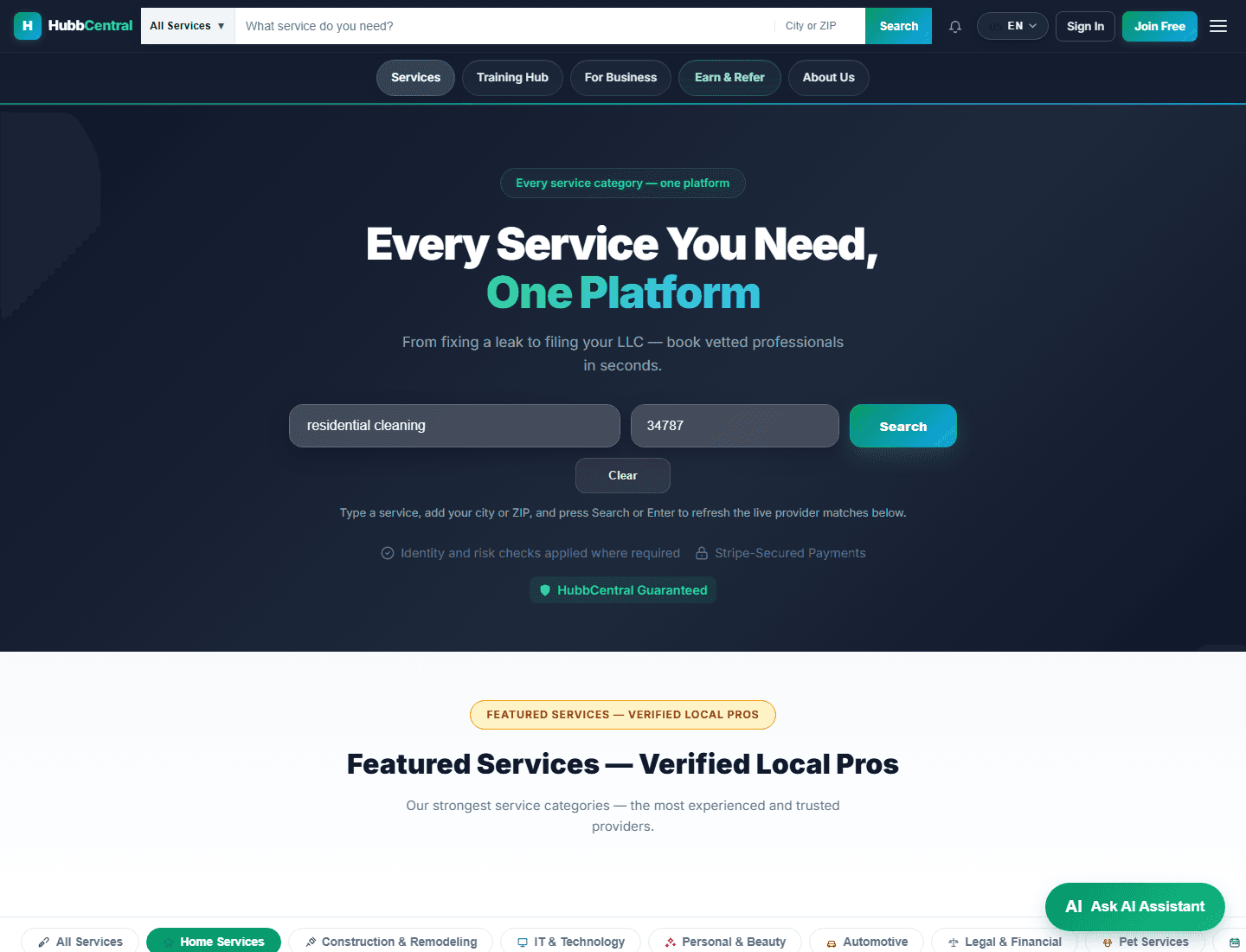
What your screen should look like

Before you start
- Think about the service you need, where you need it, and when you want it done.
- Open Services before you worry about comparing many providers at once.
- Use clear everyday words when searching so the platform can guide you faster.
Step by step
- Open the Services page and start with the search form at the top.
- Type the service you need and add your location so the results are more useful.
- Review the available providers instead of choosing the first option automatically.
- Open the provider that feels like the best fit for your real need.
- Send a request with clear details about timing, scope, and anything important the provider should know.
Ready to apply
- You reached the Services page and used the search form with a real service need.
- You compared providers using trust and fit, not only price.
- Your request includes enough detail that a provider can answer clearly.
If you get stuck
- If you do not know the exact service name, use simple plain-language words first and refine from there.
- If the results feel overwhelming, compare only the top few providers instead of all of them at once.
- If you are unsure what to write in the request, explain the job in one short paragraph like you would explain it to a person on the phone.
What success looks like
You leave this lesson able to move from browsing into a stronger booking request with less guesswork.
Practice it in the live product
The lesson stays public, but the CTA routes directly into the live HubbCentral surface tied to this workflow.