Customers
Lesson 3 / 4
How to manage your request smoothly
A well-managed request stays clear, responsive, and easier to complete from booking through final follow-through.
Keep your request clear, responsive, and easy to complete from booking through follow-through.
Short video
Lesson focus
Workspace cue
Request management follow-through steps
This lesson maps the simple habits that keep a customer request moving instead of getting stuck between updates.
Key highlights
- Specific request details reduce confusion for both sides.
- Quick replies keep providers from waiting on missing context.
- The dashboard helps customers follow progress without losing track.
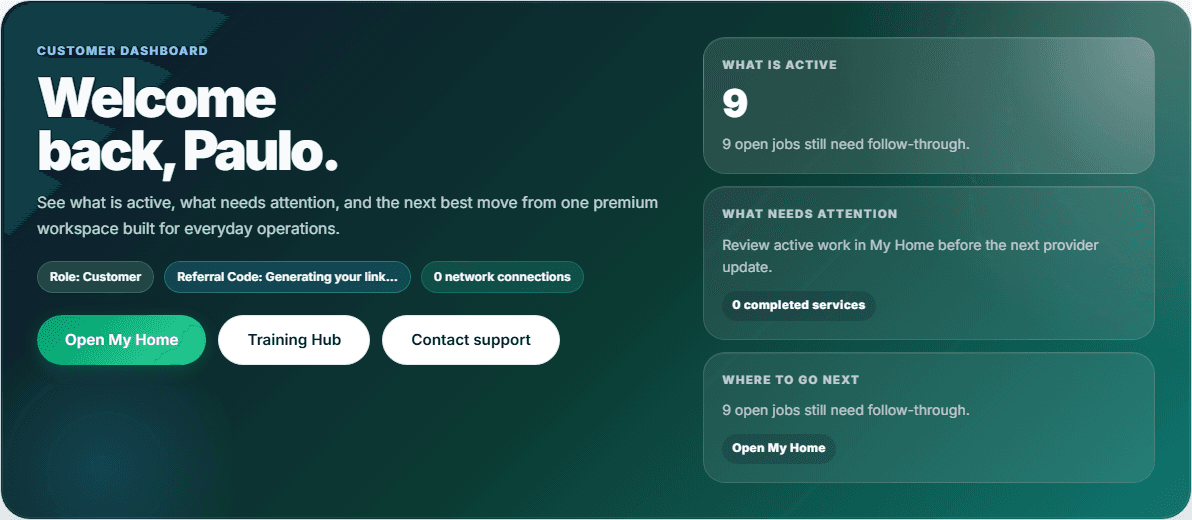
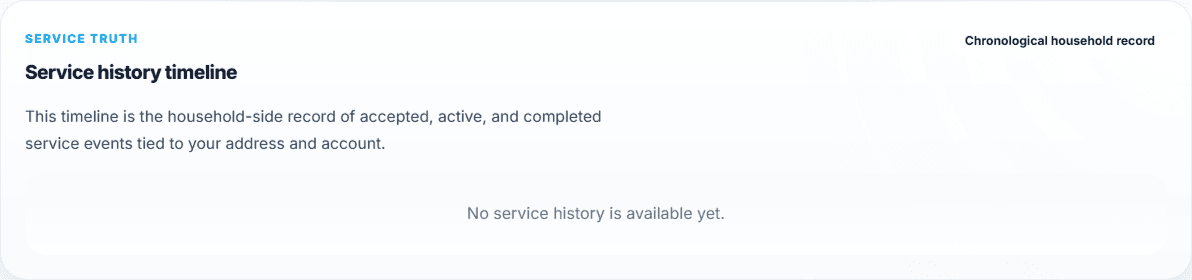
What your screen should look like
Before you start
- Sign in to your customer dashboard before you try to track updates.
- Keep the request details, timing, and important notes fresh in your mind.
- Use the dashboard as your main home base instead of jumping between random pages.
Step by step
- Open your dashboard and confirm you are in the customer workspace.
- Review the next action shown in the dashboard before opening other tools.
- Use My Home or the request-related workspace to check reminders, status, and follow-through items.
- Respond quickly when a provider asks for clarification so the request does not stall.
- Keep returning to the dashboard until the request is clearly complete.
Ready to apply
- You can tell what the next dashboard action is without guessing.
- You know where to look for reminders, history, or request follow-through.
- Your request stays organized because you are checking one home base instead of many scattered screens.
If you get stuck
- If you are unsure where to click next, return to the main dashboard and start from the primary action there.
- If the request feels confusing, check the history or reminders area before sending a new message.
- If something looks inactive, wait a moment and refresh the dashboard once instead of clicking many places at random.
What success looks like
You leave with a stronger customer workflow for keeping requests organized and moving smoothly.
Practice it in the live product
The lesson stays public, but the CTA routes directly into the live HubbCentral surface tied to this workflow.